“How much is Google Workspace?” is often the first question a business asks. It is a fair question, but the price alone will not tell you which package your team needs.
Start with how your business works. Do employees mainly need professional email and shared documents? Do they handle large files, record meetings, or use Gemini across their daily work? Does your organization need to retain records or manage company devices more closely? Your answers matter more than your number of employees.
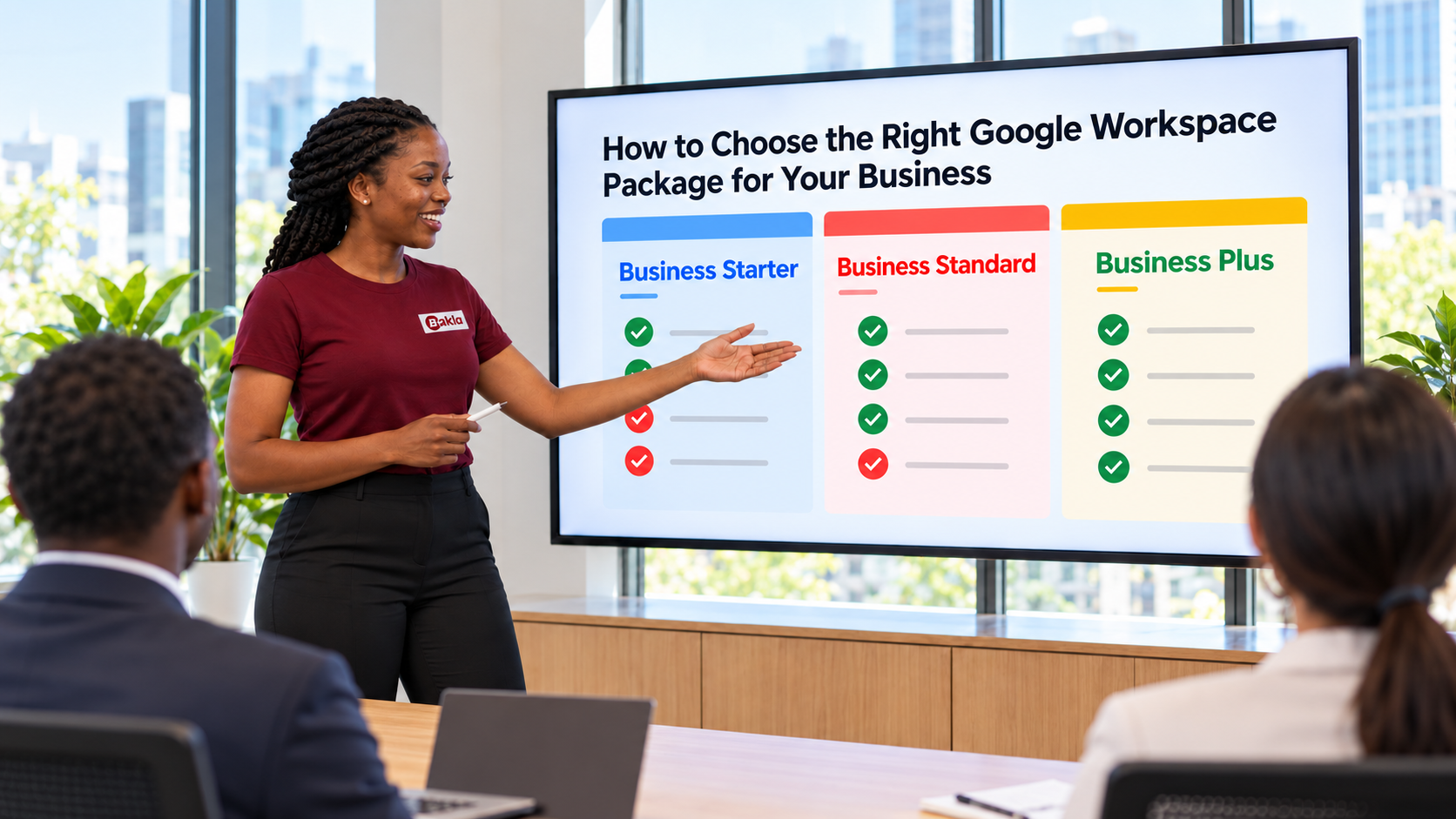
Google Workspace offers three Business packages: Starter, Standard and Plus. All three provide professional email addresses using your business domain, along with tools such as Gmail, Calendar, Drive, Docs, Sheets, Slides and Meet. Beyond price and storage, the key differences are meeting capabilities, AI features, and the control you have over company information and devices.
Business Starter: for the essentials
Business Starter is a sensible choice when your team mainly needs professional email, shared documents, calendars and everyday video meetings.
- Storage: 30 GB of pooled storage per user.
- Meetings: Up to 100 participants.
- AI: Gemini assistance in Gmail and access to the Gemini app.
Starter may be enough for a new business moving from personal email accounts to a properly managed company system. But do not choose it based on company size alone. A five-person team working with large photos or videos may need more storage than a larger team that mostly uses email and text documents.
Business Standard: for teams working across Workspace every day
Business Standard deserves a closer look when Workspace has become a central part of your team’s work.
- Storage: 2 TB of pooled storage per user.
- Meetings: Up to 150 participants, with the ability to record meetings and save them to Drive.
- Additional tools: Gemini in more Workspace apps and eSignature for documents.
Think about an ordinary week. Does your team collaborate on many documents, share large files, conduct training, or need to revisit client meetings? Standard can meet those needs even if your team has not run out of storage on Starter. For some businesses, meeting recording is the feature that makes the difference.
Business Plus: for stronger control over information
Business Plus adds more storage and meeting capacity, but its information management features may be the stronger reason to choose it.
- Storage: 5 TB of pooled storage per user.
- Meetings: Up to 500 participants, with attendance tracking.
- Information management: Google Vault for retaining, searching and managing Workspace information, along with stronger security and device management controls.
Plus is worth considering if your organization has specific requirements for keeping business records or controlling access to company data and devices. Those needs are not determined by headcount. A small firm handling sensitive information may have a stronger case for Plus than a much larger organization with simpler requirements.
If record retention is important to your business, discuss what you need to keep and for how long before choosing a package. Having Vault available is only one part of putting the right retention practices in place.
When should you consider Enterprise?
The Business packages support up to 300 users. If your organization exceeds that limit, or needs security and administrative capabilities beyond Business Plus, consider an Enterprise edition. You can also evaluate Enterprise while you are below 300 users if your requirements call for it.
Choose according to the work you do
Before subscribing, ask where your current tools fall short. Is storage becoming a problem? Do you need meeting recordings? Would your team use Gemini across Docs, Sheets and other apps? Must your organization retain certain records or manage devices more closely?
If you mainly need professional email and the core collaboration tools, Starter may be enough. If your team works extensively across Workspace and needs more storage, broader AI features and recorded meetings, look closely at Standard. If retention and stronger information controls are important, consider Plus.
The right package is the one that supports the way your organization works. Start with those needs, then compare the cost.
If you would like guidance on the right Google Workspace package for your organization, contact BAKLA LTD at sales@baklaltd.com. We can review your requirements and share a suitable quotation.