
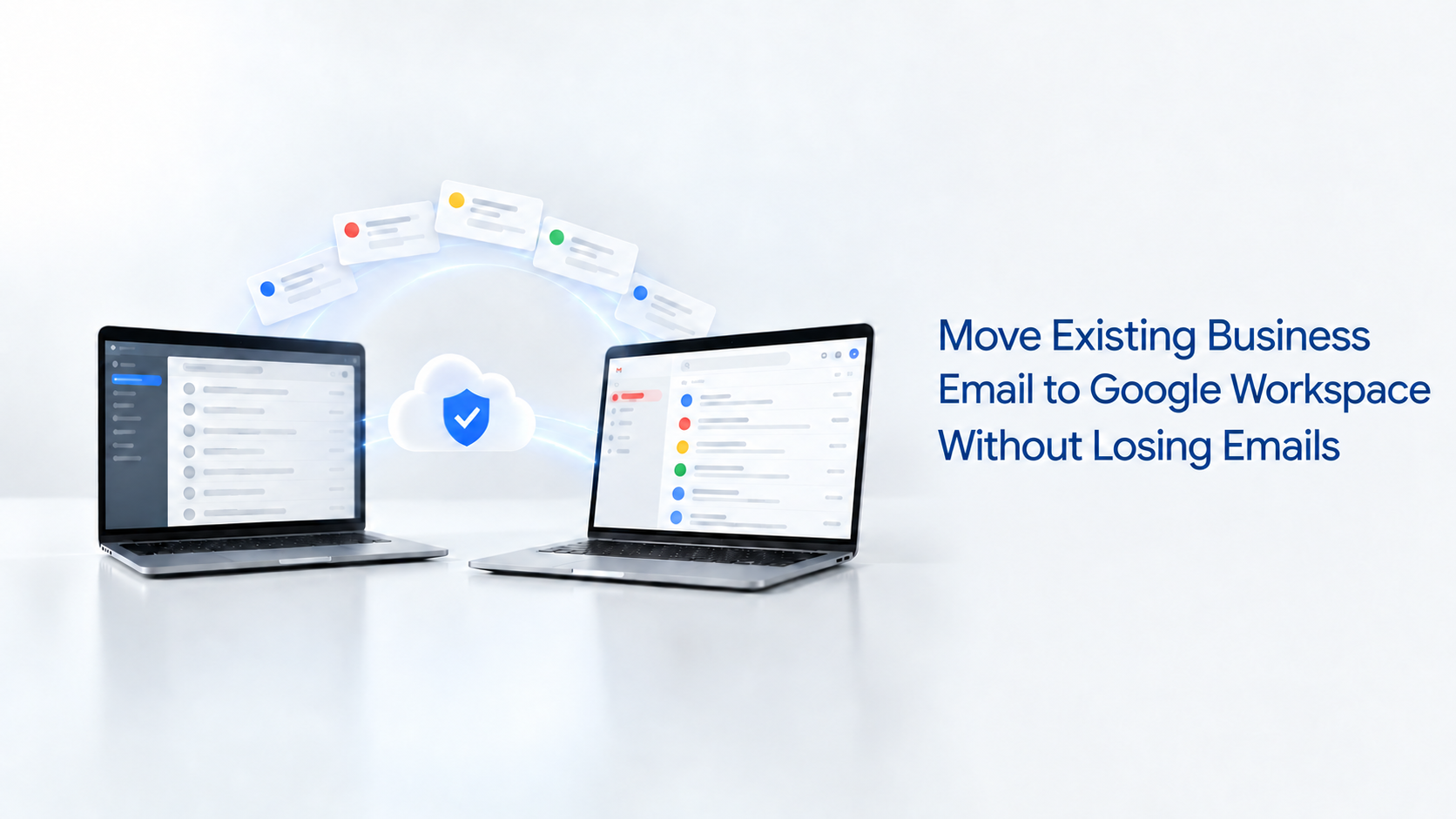
A company may want the security, storage and collaboration tools available in Google Workspace but hesitate to move because years of important communication are stored in its current email system. The concern is understandable: will previous emails disappear, will the addresses change, and will the company website be affected?
The short answer is that a properly planned migration can move your business email to Google Workspace while retaining your existing domain, email addresses and previous messages.
Your email addresses can remain the same
Moving to Google Workspace does not mean changing an address such as sales@yourcompany.com or accounts@yourcompany.com. Your company retains its domain name while Google Workspace becomes the new system responsible for sending, receiving and storing email.
Employees then access their company email through Gmail while continuing to communicate using the familiar addresses already known by clients and suppliers.
What happens to your previous emails?
Existing messages can be migrated from the current provider to Google Workspace. Depending on the system being replaced, the migration may include email, contacts and calendar information.
This means employees can open Gmail and continue referring to earlier conversations instead of starting with an empty inbox. The migration should be prepared carefully, particularly when several users, large mailboxes or years of company correspondence are involved.
Before beginning, the company should identify every active email account, confirm the amount of data stored in each mailbox and decide which information must be transferred.
Will changing email providers affect the website?
Your domain may support both the website and company email, but the two services can be managed separately. Moving email to Google Workspace does not require moving or rebuilding the company website.
The website can remain with its current hosting provider. Only the domain’s email routing records are updated to direct new messages to Google’s mail servers. Google confirms that setting up Workspace does not require changing an existing web-hosting provider.
How does the migration work?
The process begins by creating the organisation’s Google Workspace account and verifying ownership of its domain. User accounts are then created for employees who require company email addresses.
Existing messages are migrated from the previous email service, and the domain’s MX records are changed to direct new email to Google Workspace. Once the new settings become active, users send and receive company email through Gmail.
The old email service should not be cancelled before the migration has been confirmed. Keeping it active during the transition gives the administrator time to verify that historical messages have transferred and new emails are reaching the correct accounts.
What should be checked after migration?
Each user should confirm that they can sign in, send email, receive external messages and find their previous correspondence. Mobile devices and desktop email applications may also require new account settings.
The administrator should then configure recovery information, two-step verification, email aliases, groups and other security settings required by the organisation.
A rushed migration can cause missing messages, duplicate accounts or temporary delivery problems. A structured migration protects business communication while giving employees access to Gmail, Google Drive, Calendar, Meet and the other tools included in their Google Workspace plan.
BAKLA LTD helps organisations migrate from cPanel and other email platforms to Google Workspace while retaining their professional email addresses and historical communication.
Moving to Google Workspace should improve the way your company communicates without forcing it to abandon the conversations and records it has already built.
Should you wish to move your business email to Google Workspace or require support with an existing account, contact BAKLA LTD at sales@baklaltd.com. BAKLA LTD is a Certified Google Workspace Partner in Uganda, supporting organisations with setup, email migration, user management and ongoing administration.